Need help? Call us:

+91 8425981789

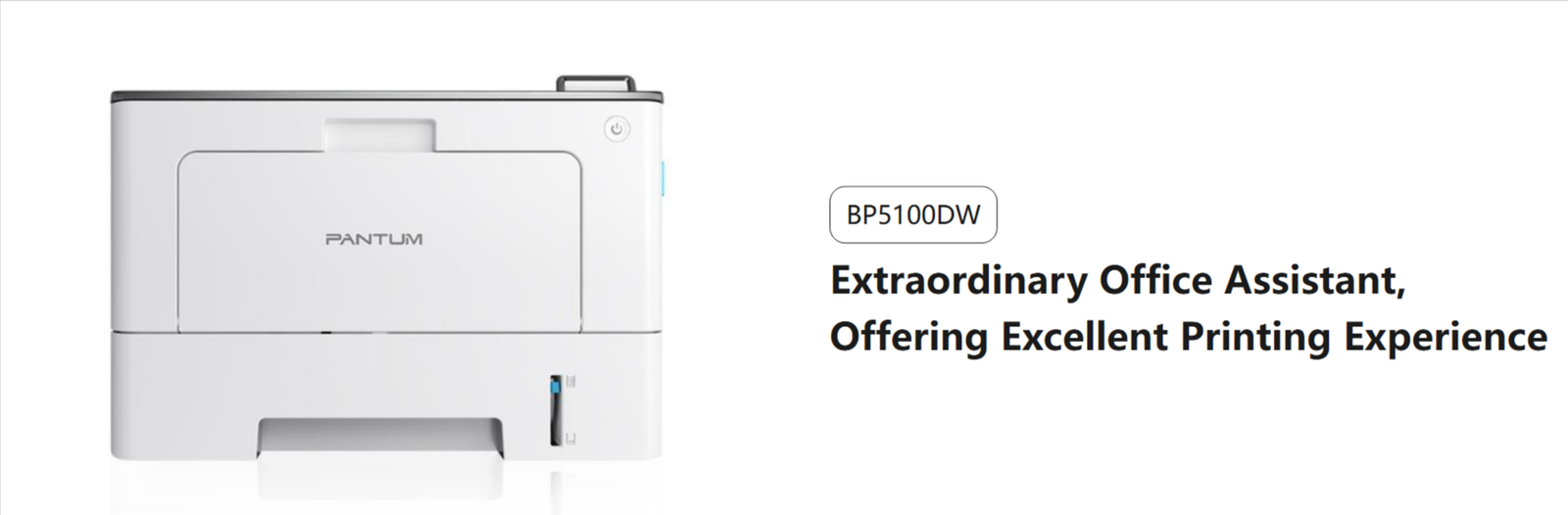
Pantum BP5100DW Mono laser single function printer

Brand:
8 people are viewing this product right now

Shipping calculated at checkout.
  • Brand: Pantum
    Model no.: BP5100DW
    Printer Type : Laser Printer
    Product: New
    Cartridge Colors: Black
    Warranty : 1 Year or As Per Pantum Service Center

  • Printing speed:40ppm

  • Connection method:USB+NET+WIFI

  • Basic function:Print

  • Special function:

  • -One step driver installation

  • -Automatic duplex printing

  • -Metal frame inside

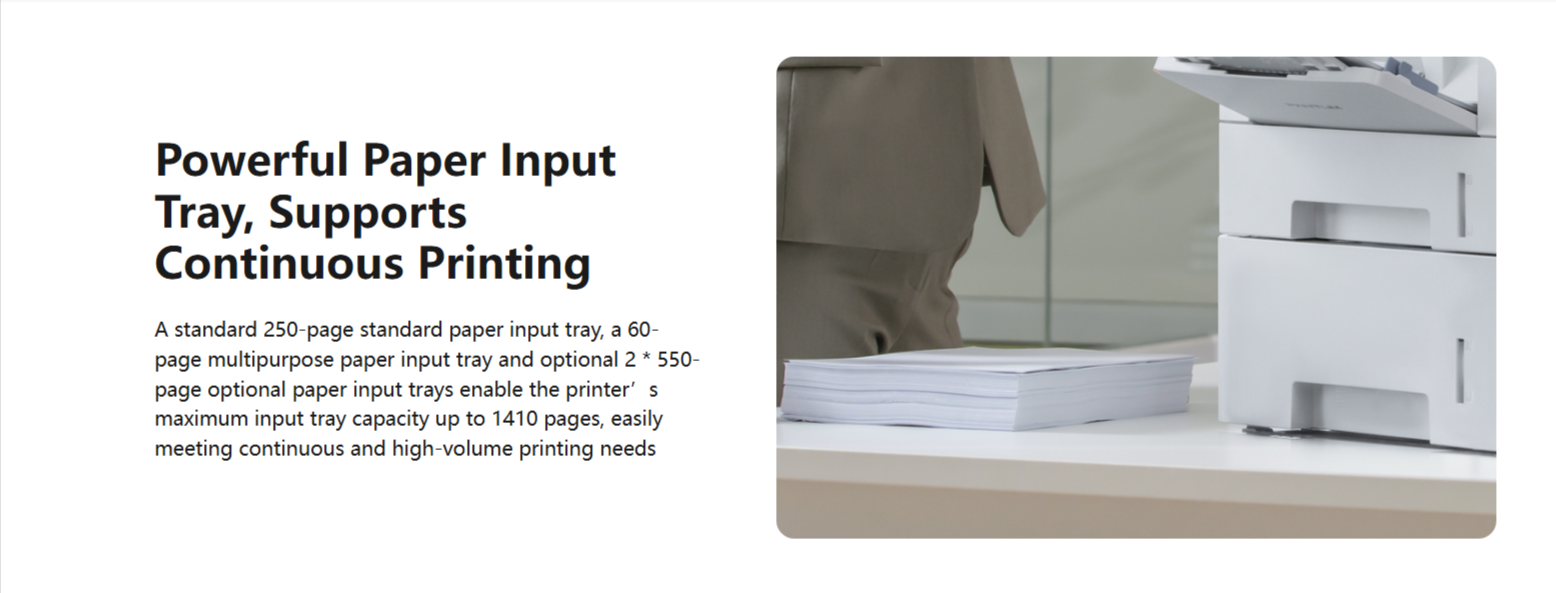
  • -2*550 pages optional paper tray

  • -Optional 15,000 pages toner cartridge

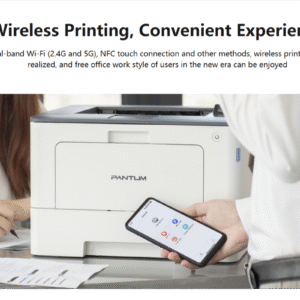
  • -Dual-band WiFi(2.4G/5G) support

Technical Details

Product Specifications

Product

Product

BP5100DW

Print

Print Speed

40ppm(A4)/42ppm(Letter)

First Print out time

≤6.9s

Recommended monthly page volume

750 to 4000 Pages

Monthly Duty Cycle(1)

100,000 Pages

Printer language

PCL5e、PCL6、PS

Control panel

2 line LCD

Processor speed

1.2 GHz

Memory

512 MB

Duplex printing

Yes

Mobile printing capability

Airprint、Mopria™ Print Service,iOS App/Android App

NFC function

Yes

Note

Apple, AirPrint Mac and macOS are trademarks of Apple lnc., registered in the U.S and other countries.Use of the Works with Apple badge means that an accessory has been designed to work specifically with the technology identified in the badge and has been certified by the developer to meet Apple performance standards.

Mopria makes it easier to print and scan from your Android and Windows.

For Android, Mopria™ Print Service and Mopria Scan are available for installation in the Google Play™ store.If you want to get more information, please visit https://www.mopria.org

The Mopria™ wordmark and the Mopria™ Logo are registered and/or unregistered trademarks of Mopria Alliance, Inc. in the United States and other countries. Unauthorized use is strictly prohibited.

Paper handling

Paper input tray

Standard paper tray : 250 Pages,

Optional paper tray: PT-511H,550 Pages(Maximum:2) ;

Multipurpose paper tray:60 Pages

Paper output tray

150 Pages

Media types

Paper(plain, thick, thin,recycled),Transparency, Cardstock, Label, Envelope(4)

Media sizes

A4, A5, JIS B5, IS0 B5, A6, Letter, Legal,Executive,Folio,Oficio,Statement, Japanese Postcard, Monarch Env, DL Env, C5 Env, C6 Env, No.10 Env, ZL, Big 16K, Big 32K, 16K, 32K, B6, Yougata4, Postcard, Younaga3, Nagagata3, Yougata2

Media weight

Input tray:60-120g/㎡ ;

Multipurpose tray:60-200g/㎡ ;

Optional tray:60-120g/㎡

General

Dimensions(W×D×H)

364*344*257mm

product Weight(with cartridge)

9.3kg

package size(W×D×H)

452*427*332mm

package Weight(with cartridge)

10.9kg

Operating temperature range

Recommended temperature:10~32℃ ;Humidity range:20% ~ 80%

Input voltage

110V:AC100-127V,50/60Hz,14A ;

220V:AC220-240V,50/60Hz,7A

Noise Level

Print≤ 54dB(A)

Ready≤30dB(A)

Power consumption

Print average≤650W;

Ready≤50W ;

Sleep≤1W

Operating system compatibility

Microsoft Windows: Server2008/Server2012/Server2016/XP/Vista/Win7 /Win8/Win8.1/Win10/Win11(32/64 Bit);

Mac OS:10.8/10.9/10.10/10.11/10.12/10.13/10.14/10.15/11/12;

Linux:Ubuntu 14.04/16.04/18.04/20.04 /Debian 10.0/Centos 7(32/64 Bit);Astra Linux Special Edition V1.6/Redhat 8.0.0/ Centos 8.2(64 Bit)

Interface

High-speed USB 2.0;

IEEE 802.3 10/100/1000Base-Tx ;

WiFi(2.4G/5G):IEEE 802.11a/b/g/n;

Supplies

Consumable Type

Toner Cartridge & Drum Unit

Starter cartridge(2)

TL-5120: 3000 Pages

Starter drum unit(3)

DL-5120: 30000 Pages

Standard cartridge(2)

TL-5120:3000 Pages ;

TL-5120H:6000 Pages ;

TL-5120X:15000 Pages

Standard drum unit (3)

DL-5120: 30000 Pages

Note

(1)Monthly Duty Cycle value provides a means of comparison for product robustness in relation to other Pantum laser printer devices, and does not refer to actual maximum image output per month.

(2)Toner capacity is based on ISO 19752.

(3)Drum unit lifetime is based on 3 average letter/A4-size pages per print job and 5% coverage,actual lifetime affected by different printing habits and printing environment.

(4)When you print envelopes, please set the printing paper type to envelopes, and open the rear cover of the device and pull down the two blue handles according to the prompts popped up by the driver, and put the envelopes into the multipurpose feeder to get the best envelopes print effect.

Reviews

There are no reviews yet.

Be the first to review “Pantum BP5100DW Mono laser single function printer”

Your email address will not be published. Required fields are marked

You have to be logged in to be able to add photos to your review.

Pantum BP5100DW Mono laser sin...